01
Project overview
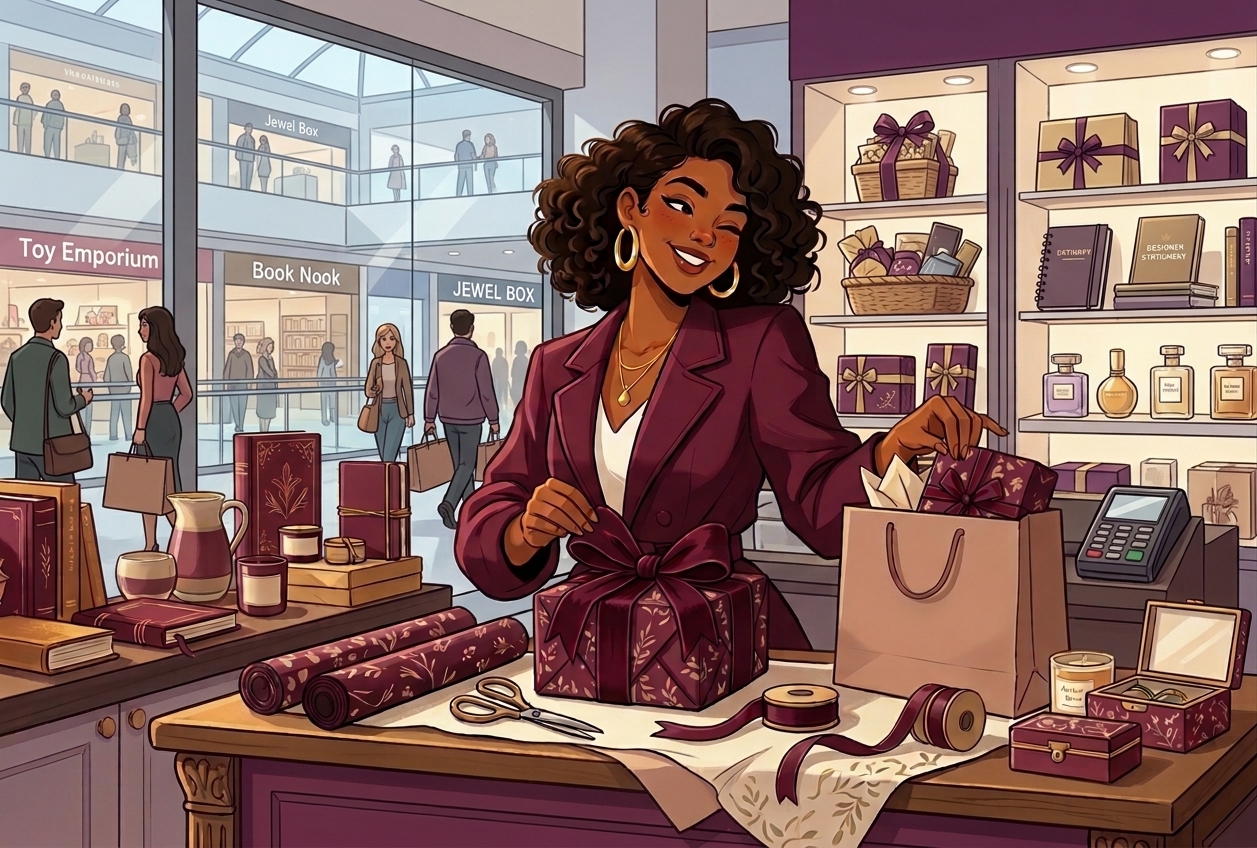
Gift shopping can be exciting but finding the right gift is not always easy. You may know who you want to buy for but still struggle to choose something suitable, compare prices or find the right place to shop.
I received this project from a female developer who wanted me to design a gift shopping experience. My responsibility was to understand the problem, plan the user experience and create the interface for the mobile app and website.
Before starting the design, I asked questions and sought additional insight from someone who had a good understanding of gifts for romantic partners. This helped me think more carefully about what makes a gift suitable and how people approach choosing something meaningful for someone they care about.
After completing the design, I handed it over to the developer. The final presentation received a very positive reaction from the client, which made the project a rewarding experience.
02
The problem
Choosing a gift can involve more than finding something attractive. People may struggle to decide what to buy, especially when they want the gift to feel thoughtful and suitable for the recipient.
The process can become more stressful when they have to visit different shops, compare prices in separate places and still feel unsure about their final choice.
The goal was to explore how a digital shopping experience could make this process more convenient by helping people discover gifts, compare prices and place orders in one place.
03
Research and understanding the users
Before designing the interface, I wanted to understand gift shopping beyond my own assumptions.
I asked questions of someone knowledgeable about gifts for romantic partners to gain a better understanding of how people think about choosing gifts for someone special. I also spoke with a small number of people about their experiences and the difficulties they faced when shopping for gifts.
The main challenges identified were:
- Choosing a suitable gift: Finding something that matches the recipient and the occasion can be difficult.
- Travelling between shops: Searching in different physical locations takes time and effort.
- Comparing prices: Looking at options across different places can make the decision more complicated.
These conversations gave me a starting point for the design. I used the insights to focus on making gift discovery easier and helping users make more informed choices.
The research was exploratory rather than a large study so I treated the findings as guidance for the design rather than conclusions about all gift shoppers.
04
Design goals and user flow
I focused on three main goals:
- Help users discover suitable gift options.
- Make it easier to compare prices before making a decision.
- Provide a convenient way to order gifts through a digital platform.
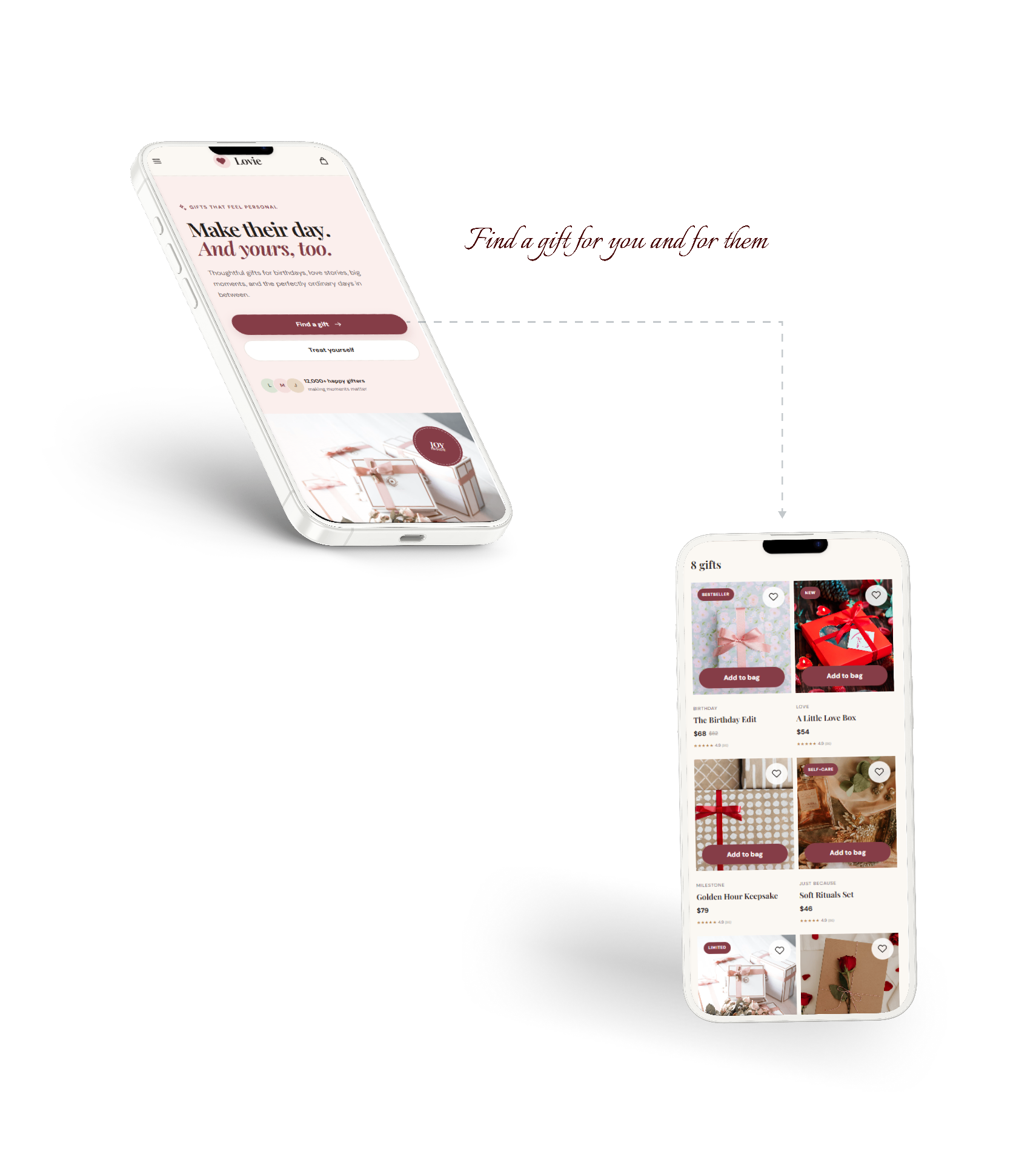
I mapped out the main journey a user might take when shopping for a gift, from exploring available options to comparing prices and placing an order.
Planning the flow before designing the screens helped me think about how the different steps should connect. I wanted the experience to feel straightforward so users could focus on choosing a gift rather than figuring out how to use the platform.
05
Wireframes and visual design
With the main journey planned, I moved into wireframing to establish the structure and arrangement of the interface. This helped me focus on the content and user journey before refining the visual details.
For the visual direction, I wanted the design to feel attractive and appropriate for a product centred on thoughtful giving. I considered how colours could create different moods while keeping the interface organised and easy to follow.
My aim was to balance visual appeal with usability. The screens needed to present gift options clearly and support the user's decision rather than make the experience feel crowded.
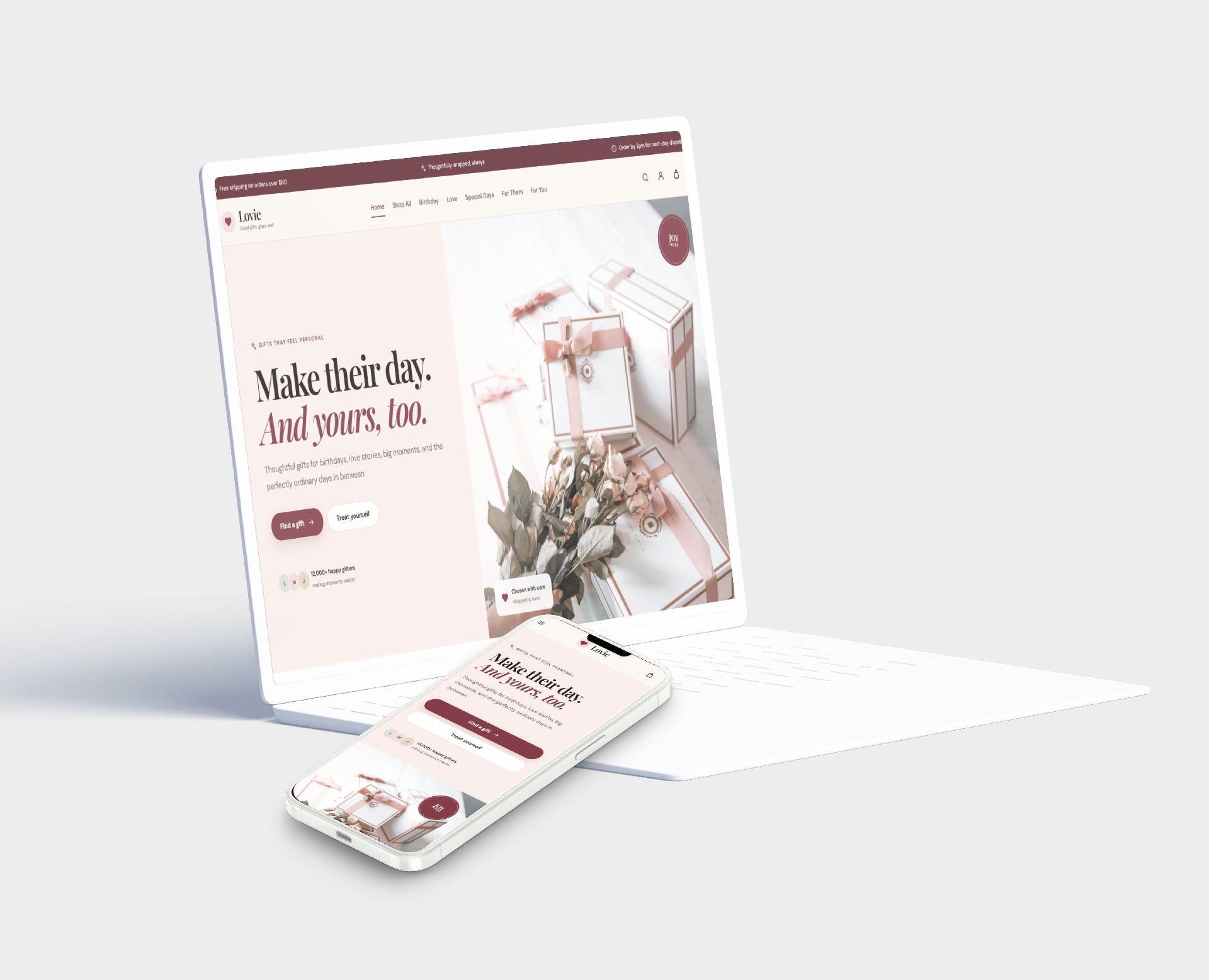
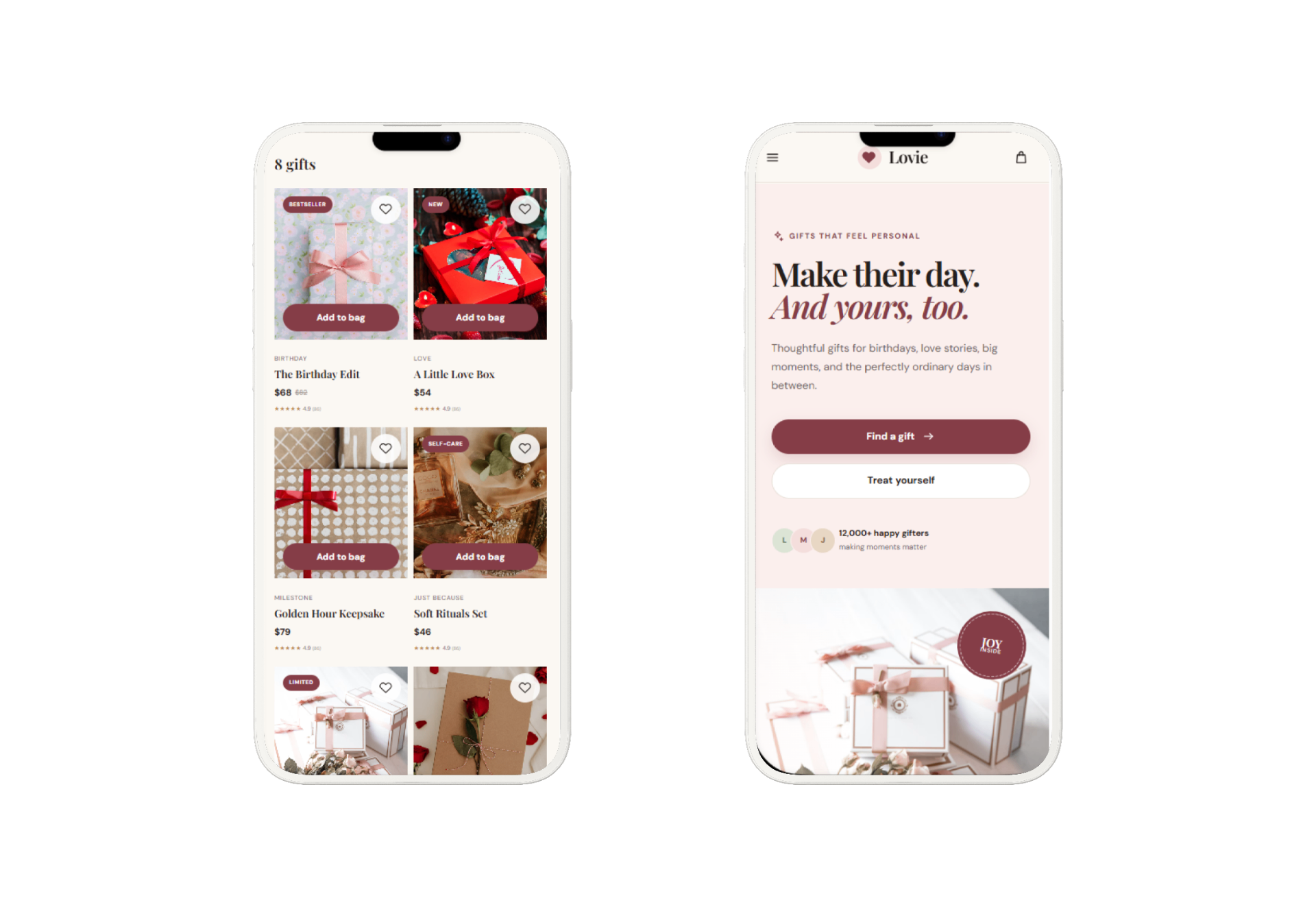
I then developed the interface for the mobile app and website and created a prototype to demonstrate how the experience could flow from one step to another.
06
Usability testing and feedback
After developing the design, I tested it with users to understand how they responded to the experience and whether it addressed the difficulties they had described.
The feedback was encouraging. Users felt that the design addressed the kind of problems they experienced when shopping for gifts.
This feedback helped me feel more confident about the direction of the design. However, I did not collect measured results that would support claims about reduced shopping time or increased purchases so I have not presented those as proven outcomes.
The process reminded me that good design is not only about creating attractive screens. It is also about making sure the experience addresses a real need and is understandable to the people using it.
07
Final design and developer handoff
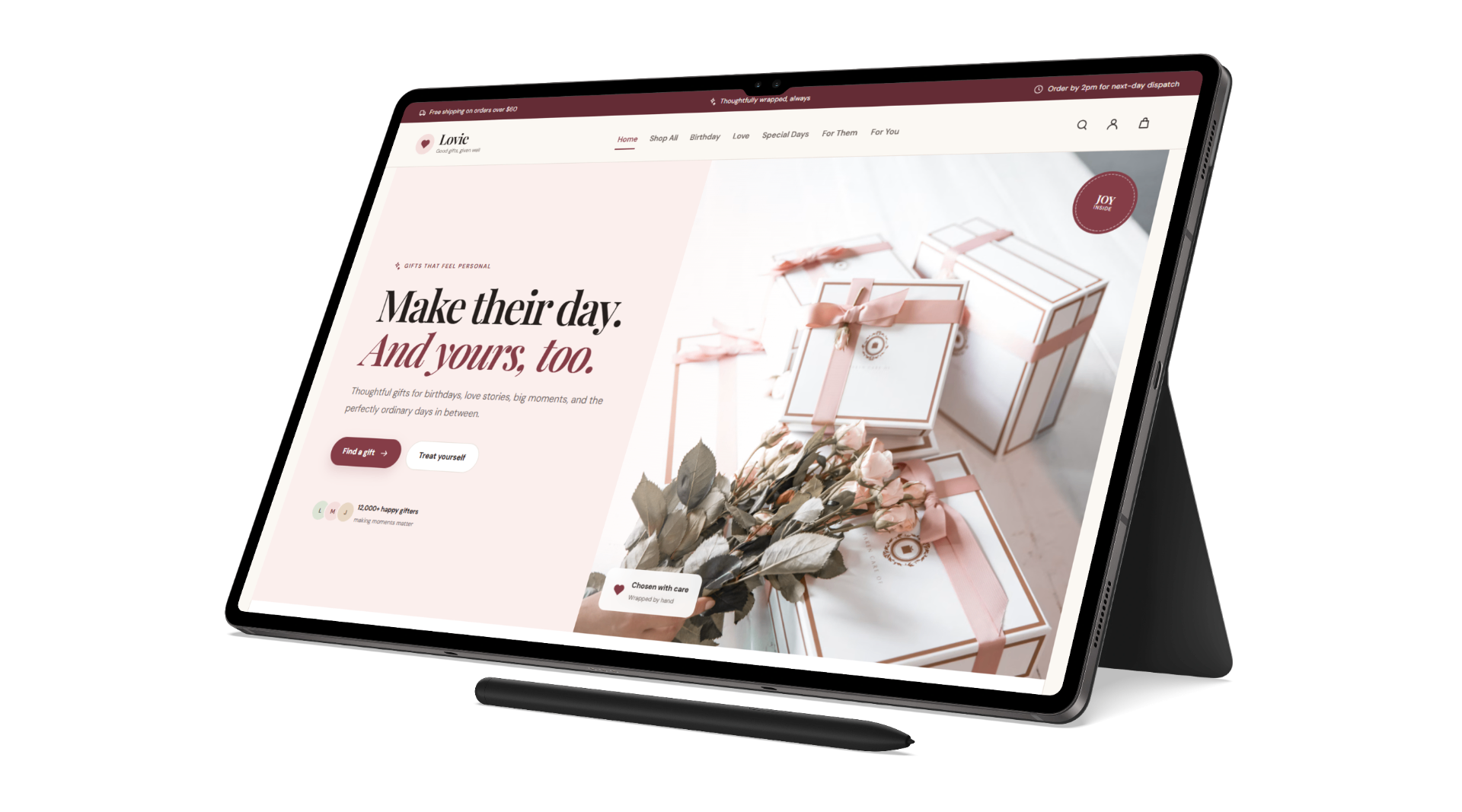
The completed design brought the main gift shopping activities into a digital experience focused on discovering gifts, comparing prices and placing orders.
Once I had completed the design, I handed the project over to the developer who assigned it to me. The client responded with a very positive reaction to the final work.
That response was an encouraging part of the project. It showed that the delivered design met the client's expectations, although it was not a measure of how the product would perform after development or launch.
My responsibility on this project was to deliver the design, not to claim a live product launch or business results that I could not verify.
08
Reflection and next steps
This project helped me think more deeply about the decisions people make when buying gifts. It reminded me that the experience is not simply about browsing products. People also want to feel confident that they are choosing something suitable for someone who matters to them.
Seeking input before designing helped me approach the problem with a broader perspective rather than relying entirely on assumptions. It also reinforced the importance of connecting the user journey, visual design and usability feedback.
If I were to develop the project further, I would test it with more users, explore different gift shopping scenarios and evaluate how easily people could find a suitable gift and complete an order.
Overall, the project gave me an opportunity to turn a client's brief into a considered digital design and deliver the completed work for development.